


Exxus Vape Stax 510 Thread Battery
Sunset
Exxus Vape Stax 510 Thread Battery - Sunset 已缺貨,有庫存後會立即出貨。
Attack Of The STAX!
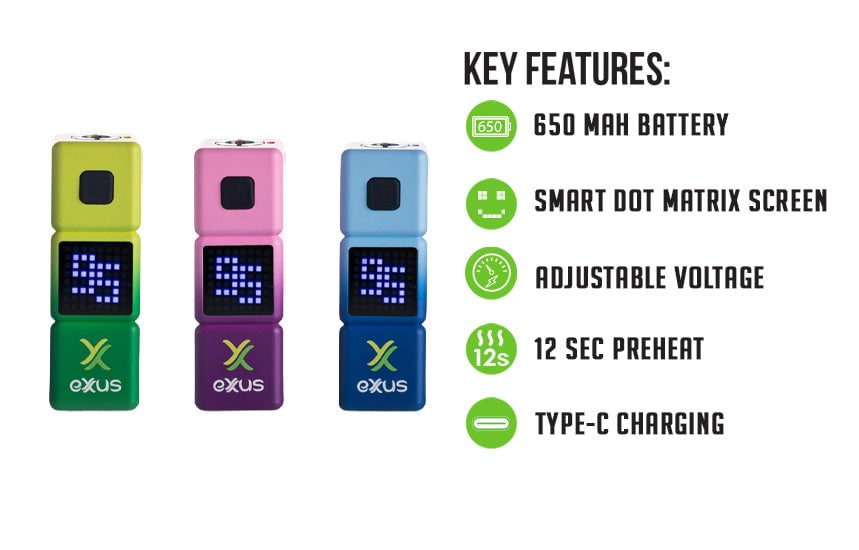
Watch out! Space invaders have descended upon Earth and it’s up to you and your friends to fight them off with the cloud power of the Exxus Vape STAX 510 Variable Voltage Battery! These heroic 8-bit inspired cartridge batteries are here to help you blast off with their 650mAh battery, choice of 5 voltage settings (2.4, 2.8, 3.2, 3.6, 4.0v), and powered up 12s preheat turning these portable 510 thread batteries into your own custom laser cloud blaster.
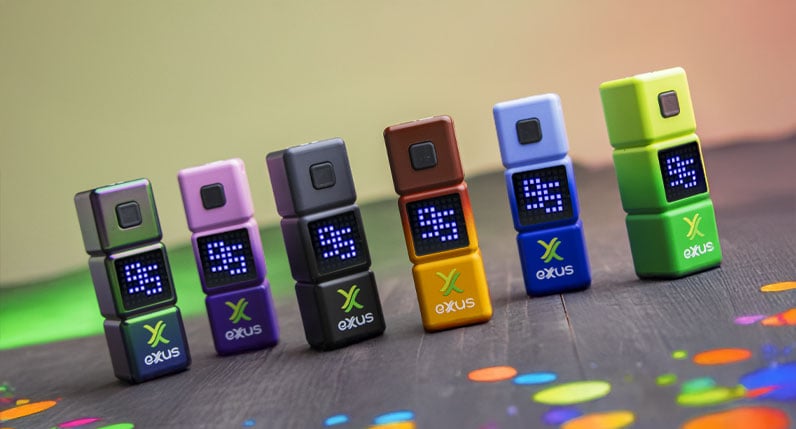
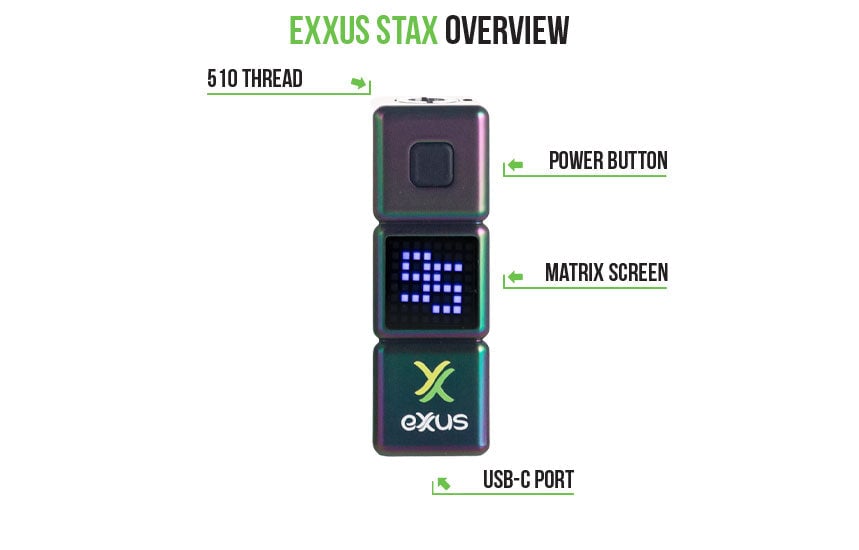
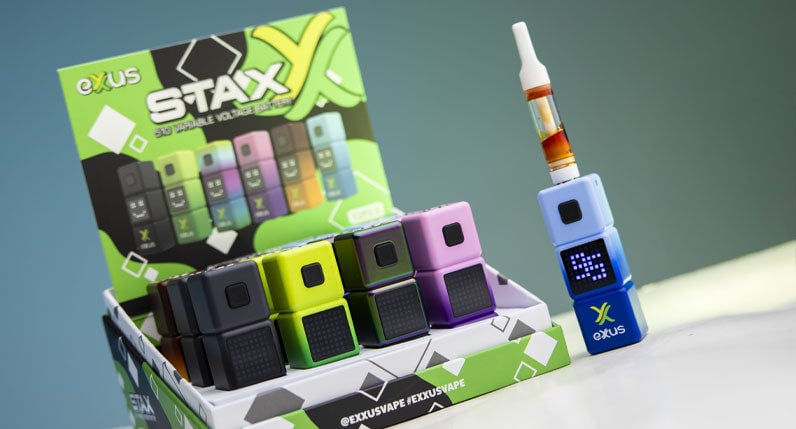
Featuring a smart dot matrix screen that pays homage to the games of yesteryear and a fitting stacked cube body, the Exxus Vape STAX has all the style to match its cloud output for the ultimate retro futuristic vape pen experience. To make your life easier the STAX includes convenient type-c charging, intuitive single button operation, and a durable outer shell for better drop resistance.
The result is an uber reliable cartridge experience ready to unleash your clouds and provide all the out of this world sessions you're after! Check out the 6 different colors and save your sessions with the Exxus Vape STAX 510 Variable Voltage Battery today
How To Load The STAX
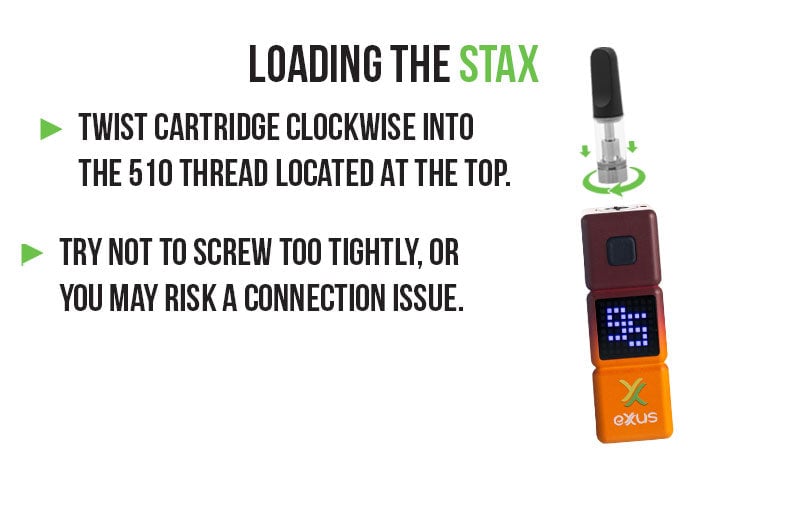
To load your Exxus Vape STAX choose any sized 510 threaded cartridge and gently twist it into the threaded connection on your device. Make sure that the connection is flush with the device and that the connection is 100% secure before proceeding.
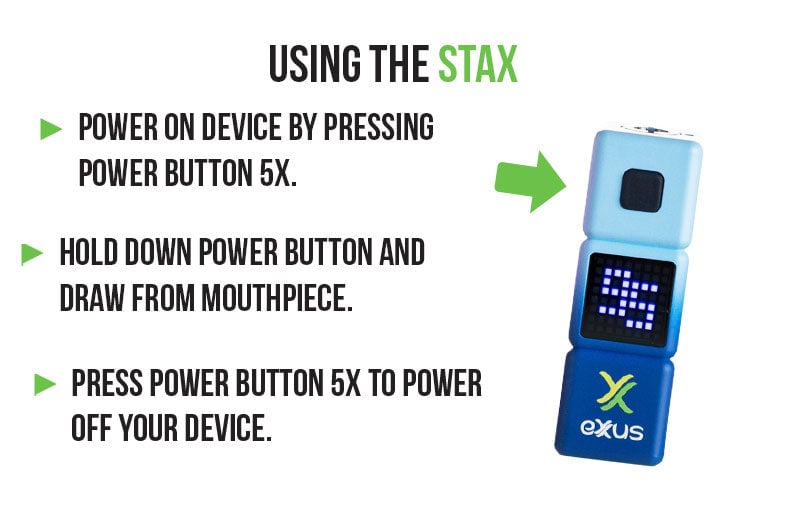
How To Use Your STAX
Get started with your Exxus Vape STAX by pressing the power button 5x in succession to power on your device. When successfully input, you’ll watch your screen spring to life and display your current battery %, letting you know you're good to go.
To hit your Exxus Vape STAX, hold down the power button and draw from the mouthpiece of your cartridge to enjoy a steady flow of cartridge vapor. When done, simply release the power button and your device will go back to standby mode.
When you’ve had enough, simply press the power button on your Exxus Vape STAX 5x in succession once again and your screen will play a shut down animation to let you know it’s safe for storage.
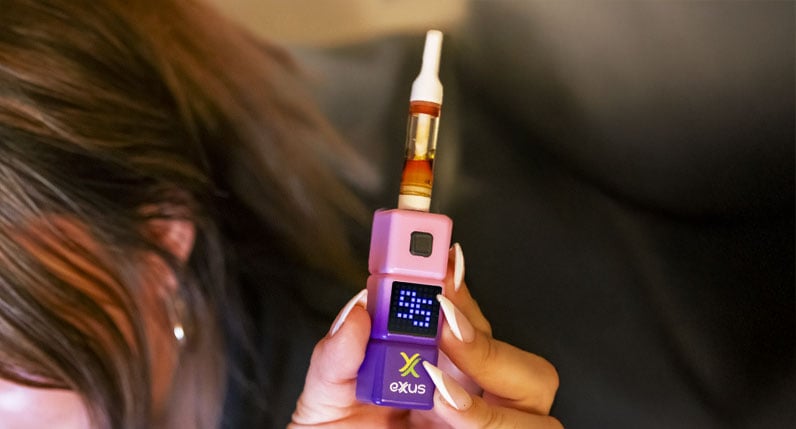
How To Change Voltage Levels On The STAX
To change the voltage level on your Exxus Vape STAX and alternate between the 5 different available settings all you have to do is press the power button 3x in a row. This will switch your current voltage to the next level and play a moving animation of your new current voltage level.
Continue to press the power button 3x in a row and your STAX will keep switching between the various voltage settings. When you’ve found the correct setting, simply release the power button and you're all good to go!
How To Preheat Cartridges With Your STAX
Boost your session with the Exxus Vape STAX and activate the 12s preheat mode by pressing the power button 2x in a row. This will begin a 12s countdown where your cartridge is slowly heated, preparing you a custom cloud with boosted intensity.
When the 12s preheat has completed, you can use your STAX as normal, holding down the power button and drawing from the mouthpiece - all with the added benefit of increased flavors and mind blowing intensity.
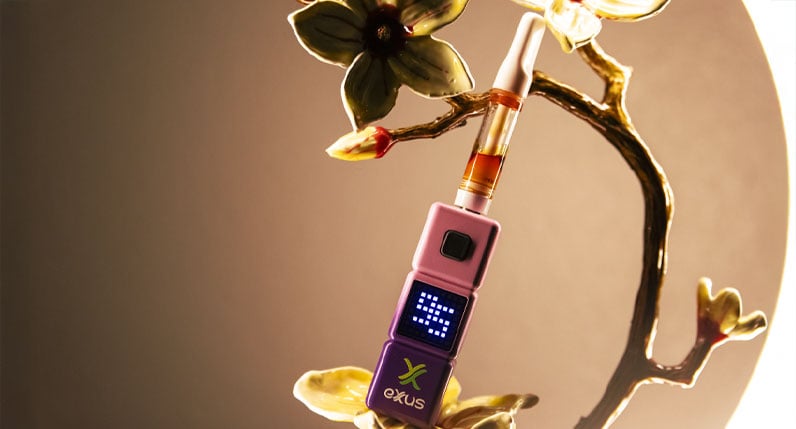
How To Charge Your STAX
The STAX can be easily charged via type-c cable. While plugged in, your battery icon flashes to let you know it’s still charging. When your STAX battery is fully charged, the battery icon lights up for 10s and then switches off to await your next session.
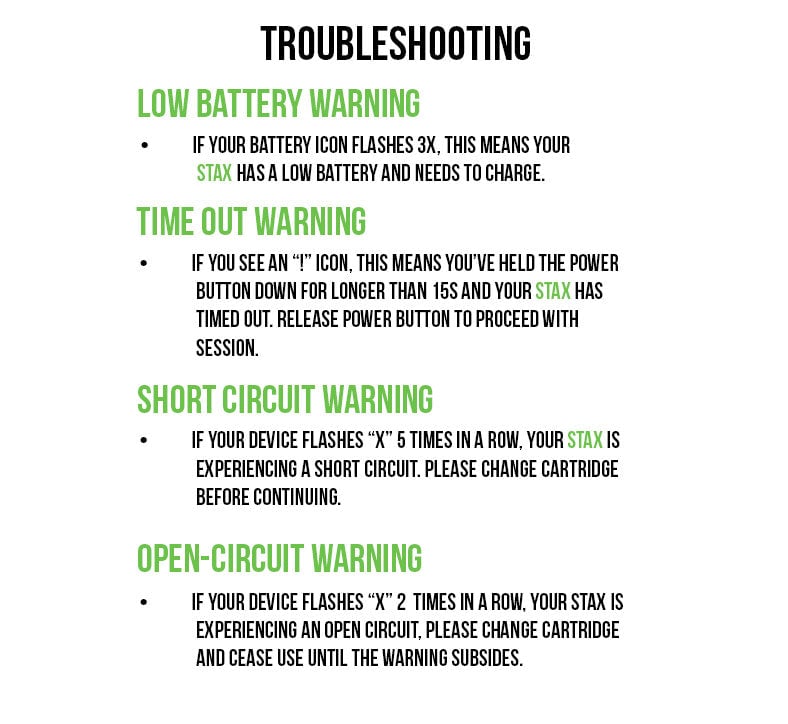
Troubleshooting Your STAX
To get the most out of your Exxus Vape STAX, we recommend being aware of the following troubleshooting warnings, to let you know when your vaporizer is trying to tell you something.
- Low Battery Warning: When your STAX battery is too low to continue, your battery icon will flash 3x to let you know its time for a charge.
- Time Out Warning: To protect you from overheating, the STAX will display a ! symbol and cease heating if you hold down the power button longer than 15s. To continue, release the button, wait a moment, and then continue your enjoyment!
- Short Circuit Warning: Your STAX will flash an X symbol 5x to indicate a short circuit, please charge your cartridge and make sure the connection is secure before continuing.
- Open-Circuit Warning: Your STAX will flash an X symbol 2x to indicate an open circuit, please change your cartridge and double check the connection before continuing.
How To Clean The STAX
To get the most out of your Exxus Vape STAX, we recommend taking the time out of your day to periodically clean your device. First start by powering off your STAX, never clean your device while the battery is on as it can lead to short circuiting issues.
Next remove your cartridge from the STAX and place it in a safe location. Now you can take a cloth and wipe down the exterior of your STAX and remove any exterior grime that may have built up over time.
Most importantly, you need to take a swab or q-tip dampened with isopropyl alcohol to gently clean the threads of your STAX threaded connection, ensuring that no left over materials have seeped through.
This allows your STAX Vaporizer to always fire at 100% and provide you the sky high clouds that you're after!
What’s Included:
- (1) Exxus Vape STAX 510 Variable Voltage Battery
WARNING: Do not charge with a powerbank of 5V or higher. Do not charge in your car. Do not overcharge the battery. Failure to follow these instructions could result in battery damage and frying of the internal system.
付款與安全
付款方式
您的付款資訊將會安全地進行處理。可用的付款方式會在結帳時顯示。
